
Download WordPress Theme Detector – free, secure WordPress theme detection tool
Overview
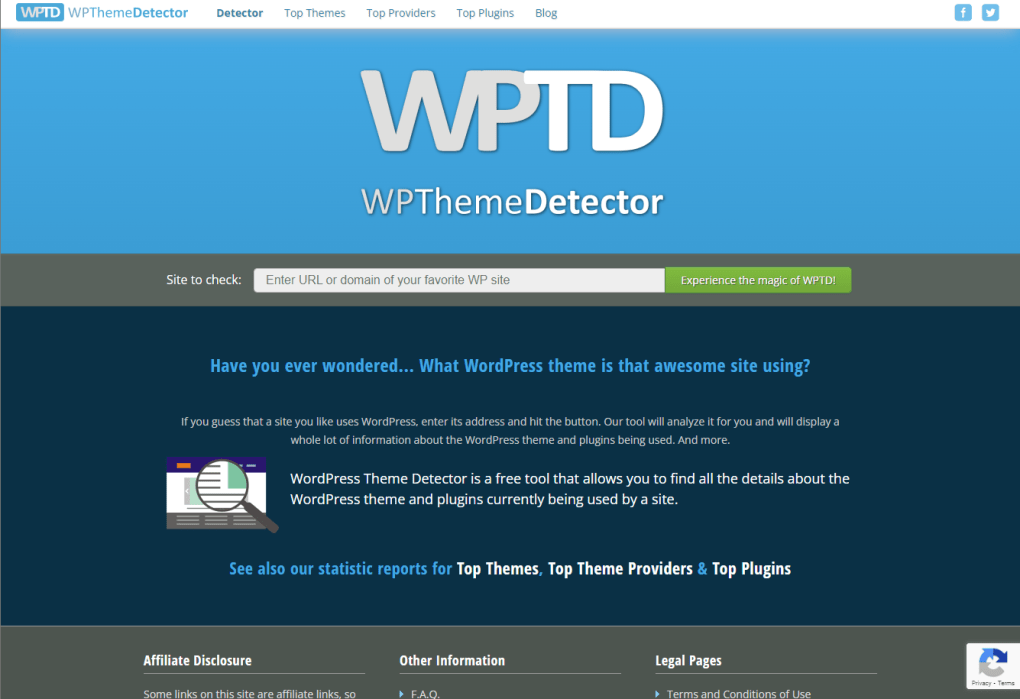
WordPress Theme Detector (often abbreviated as WPTD) is a free, web‑based utility designed specifically for web designers, developers, and anyone who needs to uncover the visual DNA behind a WordPress‑powered site. Built by the WPThemeDetector team, this online app performs two critical checks in seconds: it first confirms whether a given URL is powered by WordPress, and then it reveals the exact theme that is driving the site’s appearance. The interface is deliberately minimal – a single input bar where you paste a URL, a “Detect” button, and instant results that include the theme name, its author, and a link to the theme’s official page if it’s publicly available.
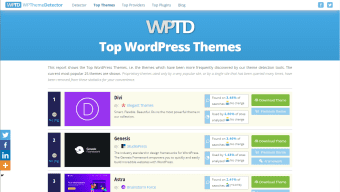
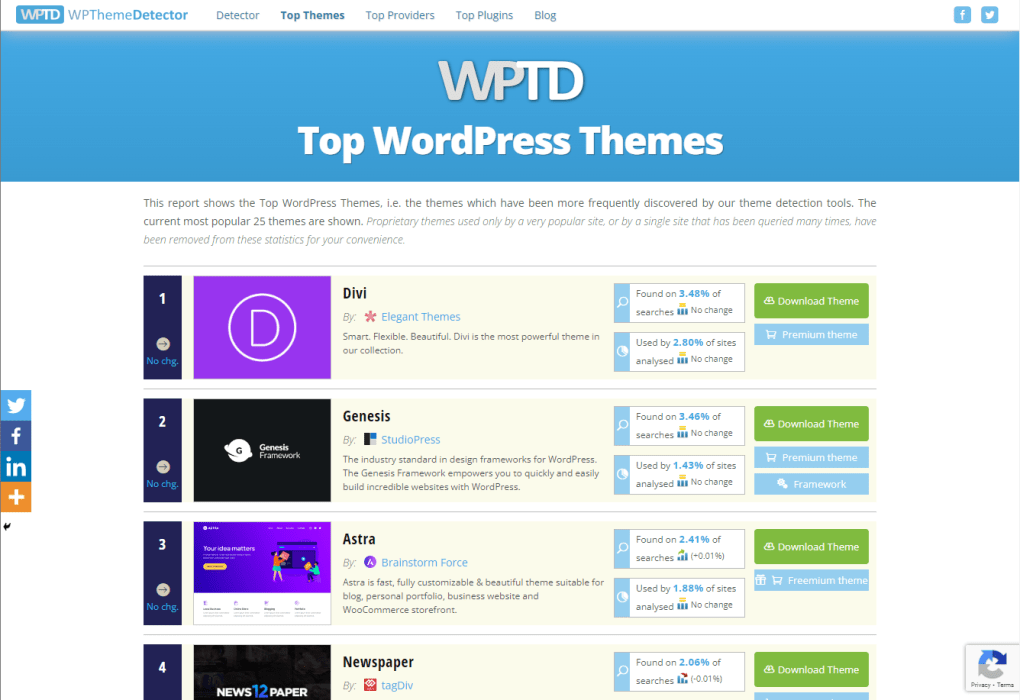
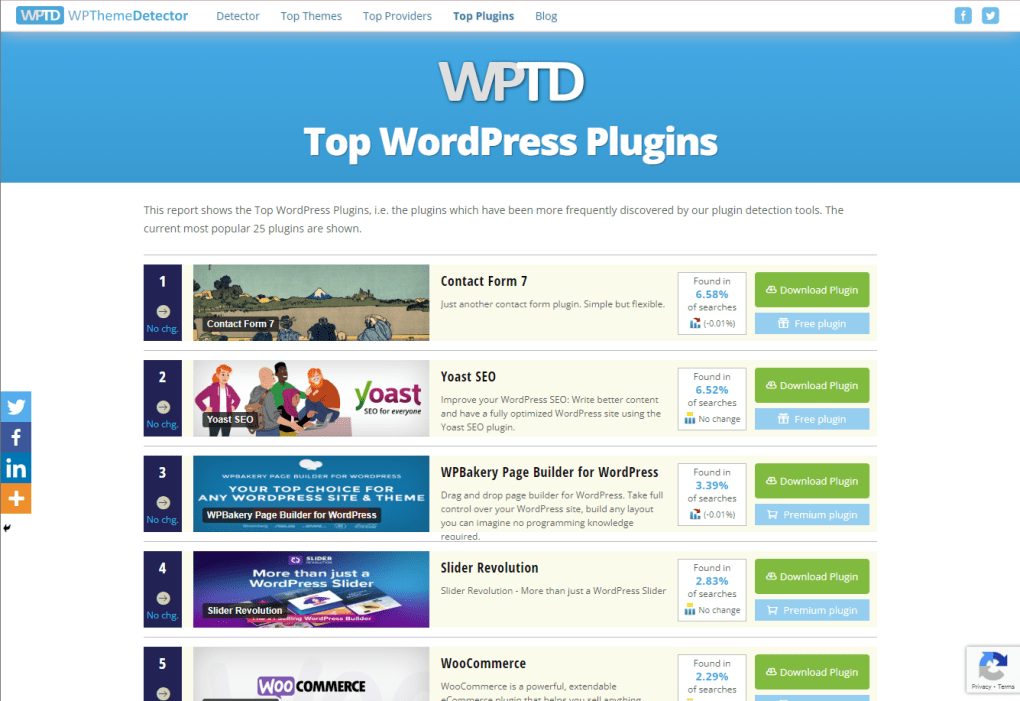
Beyond the core detection, the platform also surfaces related data such as the most popular themes, top developers, and frequently used plugins, making it a handy research hub for keeping up with design trends. Because it runs entirely in the browser, there’s no need to install any software, and the tool works efficiently even on slower connections. While it excels at quickly identifying themes, it does have a couple of limitations: it doesn’t differentiate between free and premium versions of a theme, and very large or heavily cached sites may take a little longer to scan.
Nonetheless, for anyone looking to draw inspiration, verify theme usage, or simply satisfy curiosity, WordPress Theme Detector offers a fast, reliable, and completely free solution.
Features & Compatibility
- Instant WordPress detection – confirms if a site runs on WordPress.
- Accurate theme identification – displays theme name, author, and download link.
- Top Themes showcase – highlights currently trending WordPress themes.
- Developer insights – lists the most active theme creators in the ecosystem.
- Plugin overview – reveals popular plugins detected on the scanned site.
- Responsive web design – works on desktop, tablet, and mobile browsers.
- Minimal data usage – optimized for slower internet connections.
- Free and no‑registration required – start detecting immediately.
- Regular updates – the detection engine is refreshed weekly to keep up with new releases.
- Integrated blog – provides the latest WordPress news, tutorials, and design tips.
Compatibility: As a cloud‑based web app, WordPress Theme Detector runs on any modern operating system that supports a web browser – Windows, macOS, Linux, Chrome OS, Android, and iOS. There are no platform‑specific installations, making it universally accessible.
Installation, Usage & Performance Tips
How to get started (no installation required)
- Open your preferred web browser (Chrome, Firefox, Edge, Safari, etc.).
- Navigate to www.wpthemedetector.com.
- Copy the full URL of the website you wish to analyze.
- Paste the URL into the central input field on the homepage.
- Click the bright “Detect” button and wait a few seconds for the results.
Interpreting the results
Once the scan finishes, the tool will display a concise report. If the site is built with WordPress, you’ll see the theme’s name, a thumbnail preview, the author’s name, and a link to the theme’s marketplace page (e.g., ThemeForest, WordPress.org). If the site isn’t WordPress‑based, a clear message will inform you of that status, preventing any confusion.
Performance considerations
Because the detection process relies on reading the site’s source code and stylesheet references, heavily cached or CDN‑served sites might take a tad longer. For best performance, ensure you have a stable internet connection and avoid scanning extremely large e‑commerce portals in one go. If you encounter a timeout, simply retry – the engine often succeeds on a second attempt.
Security and privacy
WordPress Theme Detector does not store any personal data or the URLs you submit. All scans are performed in real time, and the results are displayed instantly without logging your activity. This makes the tool a safe choice for competitive analysis or client work where confidentiality matters.
Conclusion – Pros, Cons, FAQ & Call to Action
Pros & Cons
- Pros:
- Completely free with no registration required.
- Fast, accurate detection for any WordPress site.
- Additional insights on top themes, developers, and plugins.
- Works on all operating systems via a web browser.
- Secure and privacy‑friendly; no data logging.
- Cons:
- Does not indicate whether a detected theme is free or premium.
- Large or heavily cached sites may experience slightly longer scan times.
- Limited to WordPress sites – cannot detect themes on other CMS platforms.
FAQ
Is WordPress Theme Detector really free?
Yes, the tool is completely free to use. There are no hidden fees, subscriptions, or premium tiers required to access the core detection features.
Can I detect themes on non‑WordPress sites?
The detector first checks if a site is powered by WordPress. If it isn’t, the tool will simply inform you that the site isn’t a WordPress site and no theme information will be provided.
Do I need to install any software or browser extensions?
No installation is required. WordPress Theme Detector runs entirely in your web browser, making it instantly accessible on Windows, macOS, Linux, Android, and iOS devices.
How accurate is the theme detection?
The detection engine is updated weekly to recognize new themes and changes in theme file structures. In most cases, the tool identifies the correct theme with over 95% accuracy.
Is my data safe when I use the detector?
Yes. The service does not store URLs or personal information. All scans are performed in real time and the results are displayed without logging your activity.
Final Thoughts & Call to Action
If you’re a web designer seeking inspiration, a developer needing to verify a client’s theme, or an SEO specialist researching competitors, WordPress Theme Detector offers a fast, reliable, and completely free way to uncover the visual building blocks of any WordPress site. Its straightforward interface, cross‑platform compatibility, and added insights into popular themes and plugins make it a valuable addition to any designer’s toolkit. While it doesn’t differentiate between free and premium themes, the speed and accuracy of its core detection more than compensate for that minor drawback.
Ready to start exploring the WordPress landscape? Visit WordPress Theme Detector now, paste a URL, and see the magic happen in seconds. Stay ahead of design trends, improve your own projects, and keep your competitive edge sharp – all without spending a dime.
WordPress Theme Detector is a simple yet powerful tool that delivers exactly what it promises – quick and accurate theme identification. The clean UI and zero‑cost model make it a go‑to resource for designers of all skill levels.



.png)



